oooo
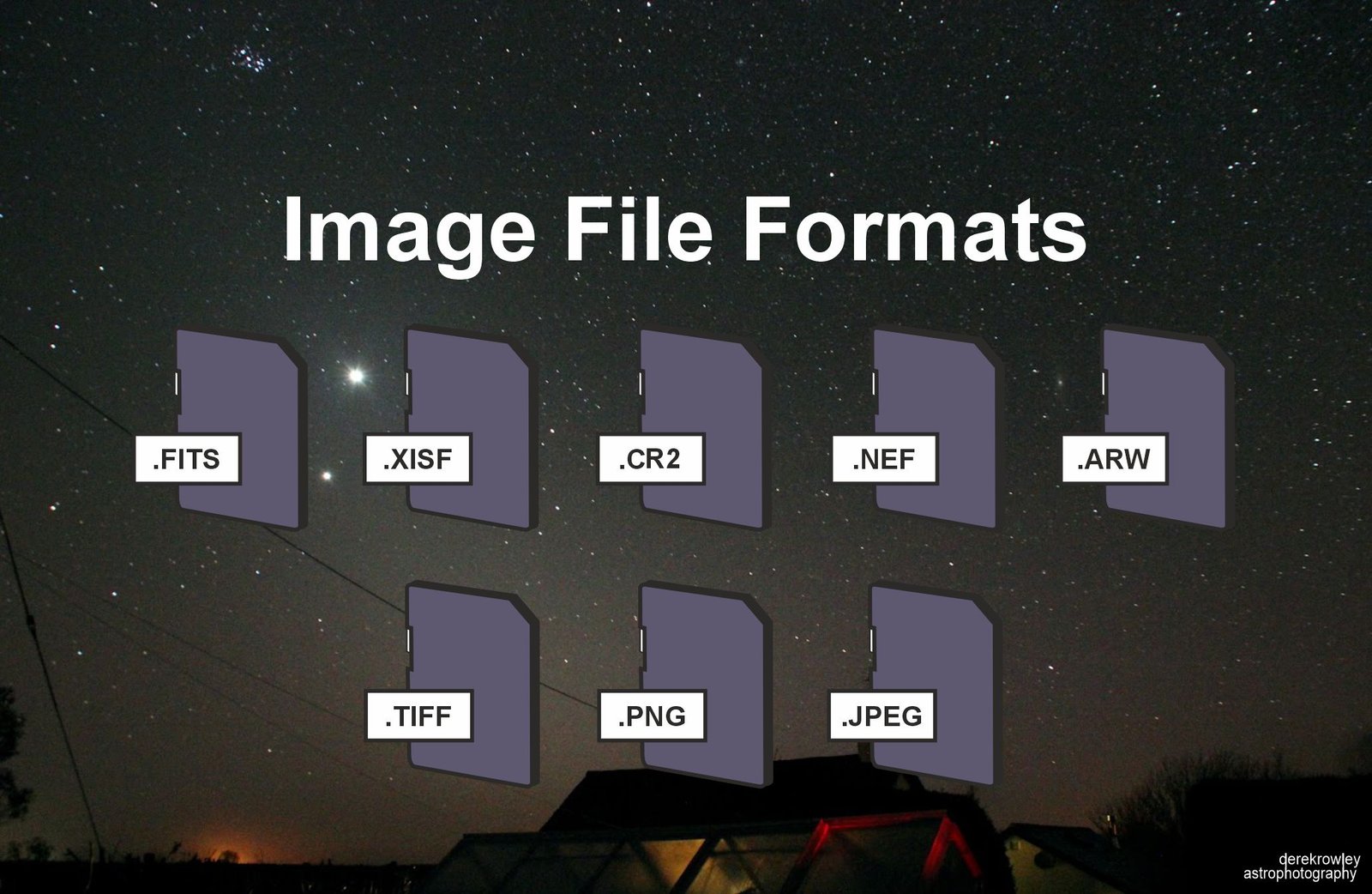
When doing astrophotography, choosing the right image file format is critical for preserving raw scientific data and maximizing the quality of your final stacked images.
oooo
oooo
Why you should be using RAW!
o
Here is a breakdown of the primary image file formats used in astrophotography and when to use them:
oooo
| JPEG | RAW |
| compresses | does not compresses |
| editing cost image quality | editing does not affect |
| small files | large files |
| good for website | use for many reasons |
oooo

oooo
oooo
oooo
Image File Formats
oooo
1. RAW Formats (FITS, XISF, CR2, NEF, ARW):
oooo
oooo
oooo
oooo
Unlike standard photography where JPEGs are common, astrophotography relies almost exclusively on RAW data formats.
o
These formats store the uncompressed, unprocessed numerical data straight from the camera’s sensor.
oooo
oooo
oooo
oooo
FITS
o
(FITS = Flexible Image Transport System)
o
The universal standard format used by astronomers and dedicated astronomy cameras.
o
It supports high bit depths (16-bit or 32-bit floating point) and stores header metadata about the capture session (telescope, temperature, exposure time, filters).
o
o
oooo
oooo
oooo
oooo
oooo
XISF
o
(XISF = Extensible Image Serialization Format)
o
A modern, highly flexible file format native to PixInsight.
o
It extends the capabilities of FITS by better supporting metadata, thumbnail previews, and complex multi-channel data.
o
o
oooo
oooo
oooo
oooo
oooo
Camera Manufacturer RAWs
o
The proprietary uncompressed or lossless compressed raw files produced by DSLR and mirrorless cameras.
o
For example:
–...CR2 for Canon
–...CR3 for Canon
–...NEF for Nikon
–...ARW for Sony)
oooo
oooo
oooo
2. TIFF = Tagged Image File Format:
oooo
oooo
What it is
A high-quality, lossless raster image format.
o
o
When it’s used
TIFFs are widely used during intermediate and final stages of image processing (e.g., after calibration and stacking in software like DeepSkyStacker or Siril).
o
Because it is lossless, saving a file as a 16-bit TIFF ensures no data or dynamic range is degraded as you move between editing programs.
o
oooo
oooo
oooo
oooo
oooo
3. PNG = Portable Network Graphics:
oooo
oooo
What it is
A lossless compressed bitmap image format.
o
o
When it’s used
Excellent for sharing final processed images online or in presentations.
o
Unlike JPEG, PNG compression does not introduce compression artifacts, keeping fine star fields and faint nebulosity clean.
oo
oooo
oooo
oooo
oooo
oooo
4. JPEG = Joint Photographic Experts Group:
oooo
What it is
A lossy, compressed image format.
o
When it’s used
Avoid using JPEGs for capturing or processing astrophotography data.
o
JPEG files discard crucial data (compressing images down to 8-bit per channel) and apply irreversible compression algorithms that destroy faint details, create blocky gradients around stars, and clip subtle background nebulosity.
o
Only use JPEGs if you need a quick snapshot to share directly from a camera’s memory card.
oo
oooo
oooo
oooo
oooo
oooo
oooo
Back to
oooo
Back to page 4
Next to page 5
oooo
Page 5 – Image File Formats Derek Rowley – Derekscope’s BSL Guide to Deep-Sky Imaging