oooo
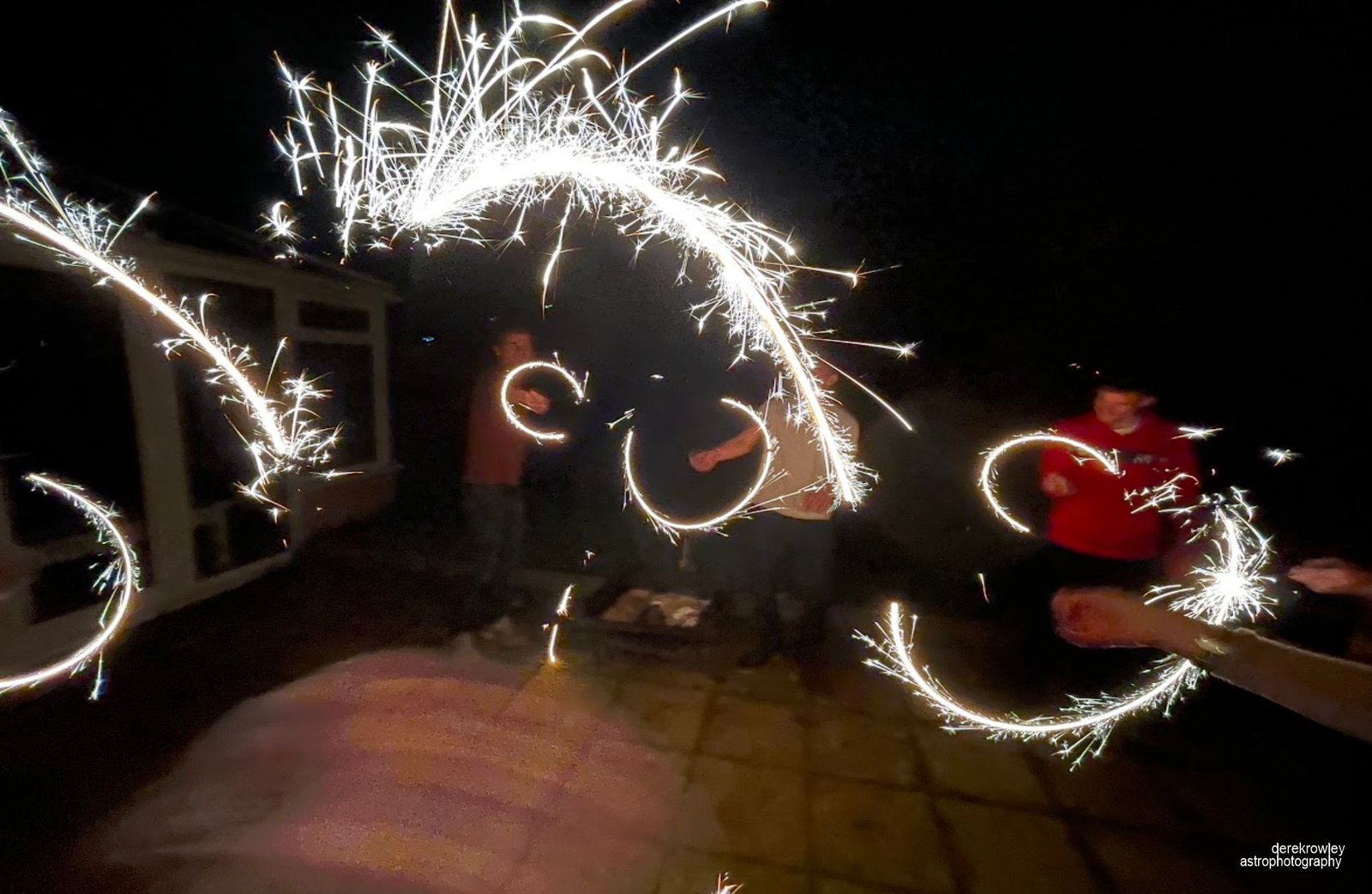
Used an intervalometer for sparkler photography
Before configuring your intervalometer, switch your camera to Manual Mode (M)
and set your focus to Manual Focus (MF) so the lens doesn’t hunt in the dark.
oooo
oooo
Intervalometer:
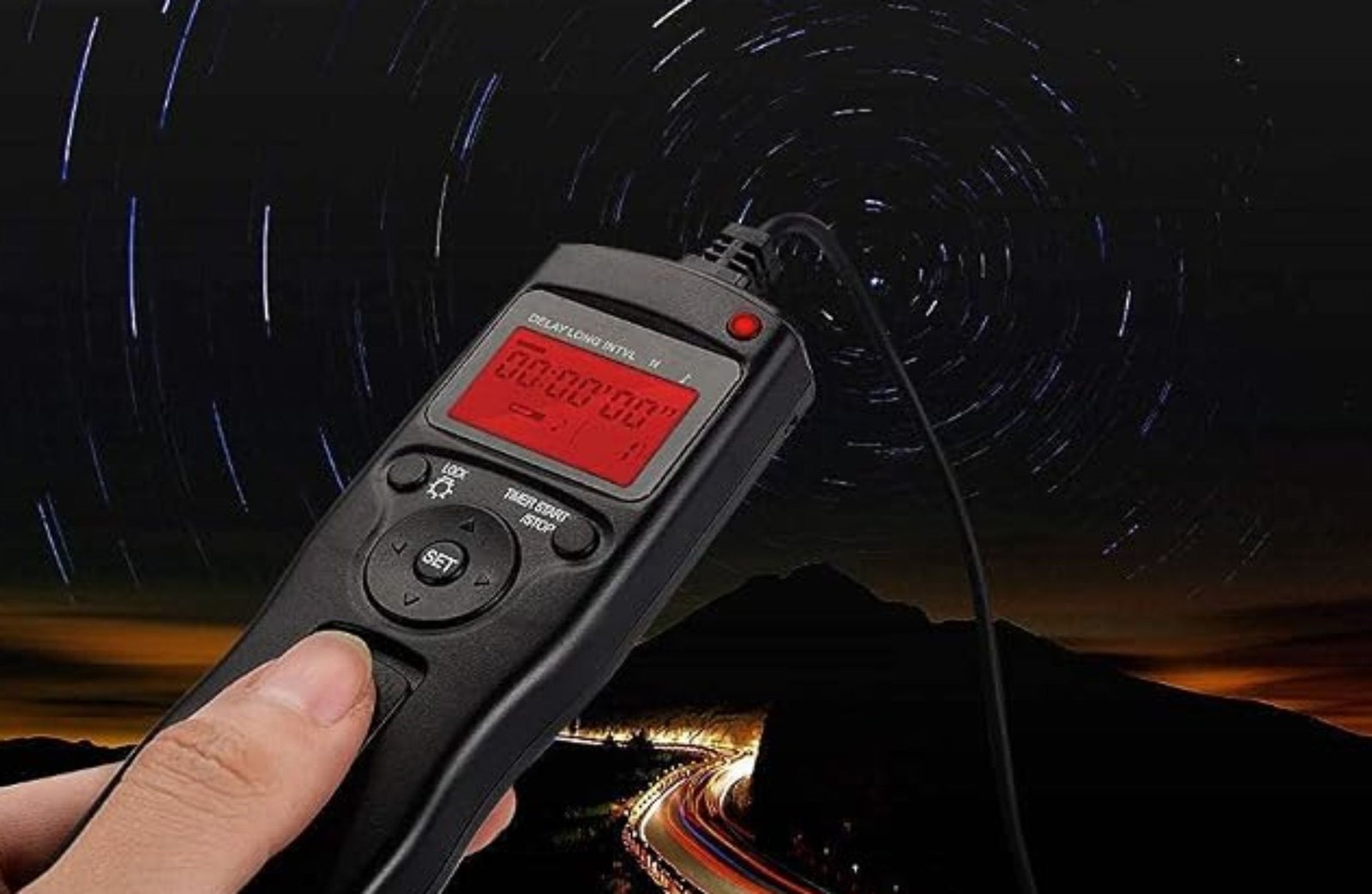
An intervalometer:
Also known as a remote shutter release or exposure controller) is a device or software feature that automatically triggers a camera’s shutter at set time intervals over a specified duration.
oooo
oooo
oooo
Key Functions & Settings
When setting up an intervalometer, you typically configure four main parameters:
oooo
1) Delay / Self-Timer:
How long the device waits before taking the very first shot.
2) Long Exposure Time (Bulb / Shutter Length):
How long the shutter stays open for each shot (crucial when exposures exceed your camera’s built-in maximum, such as 30 seconds).
3) Interval:
The duration of time between the start of one shot and the start of the next (or the delay between consecutive shots).
4) Number of Shots (N):
The total count of exposures to capture (or set to infinite/continuous).
o
o
oooo
oooo
oooo
Common Applications
oooo
Astrophotography & Deep-Sky Imaging:
Used to capture dozens or hundreds of identical long-exposure frames (light frames) of stars, galaxies, or nebulae without touching the camera.
Time-Lapse Photography:
Captures a sequence of images over hours (e.g., sunsets, moving clouds, day-to-night transitions) that can be stitched together into a video.
Light Painting & Sparkler Photography:
Allows long exposures to capture light trails while freeing up your hands to create the art.
o
o
oooo
oooo
oooo
Types of Intervalometers
oooo
External Hardware Remotes:
Wired or wireless dongles that plug into your camera’s remote shutter port.
Built-in Camera Software: Many modern DSLR and mirrorless cameras include an internal intervalometer menu setting (often named Interval Timer Shooting or Time-lapse Movie).
Software / Smart Control:
Apps connecting via USB or Wi-Fi (e.g., N.I.N.A., ASIAIR, DSLR Dashboard) to automate complex capture sequences.
oooo
oooo
oooo
Tips Before Starting
oooo
Switch to Manual Focus (MF):
Prevents the camera lens from hunting for focus between shots, especially in low light or dark environments.
Set Exposure to Manual (M) or Bulb (B):
Keeps your exposure parameters (ISO, aperture, shutter speed) consistent across every frame.
Disable Long Exposure Noise Reduction
Prevents the camera from pausing after each shot to take an internal dark frame, which can disrupt your interval timing.
oooo
oooo
oooo
oooo
oooo
Back to
oooo
Back to page 13
Next to page 15
oooo
Page 14 – Intervalometer Derek Rowley – Derekscope’s BSL Guide to Deep-Sky Imaging
oooo
oooo